Multiple pipelines and reusable activities
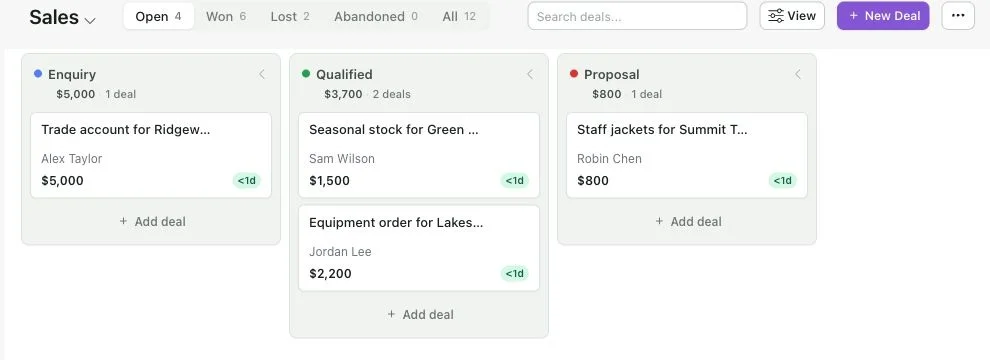
Deal management now goes beyond a single board. Use separate pipelines for different sales or customer processes, and open a deal's own page for its details and activity history. Open, Won, Lost and Abandoned work have separate views.
Move or copy a deal between pipelines. Save a set of activities as a template and apply it to another deal, keeping the planned gaps between tasks. You can also export and import activity history.
Pipeline rules can copy a deal into another pipeline when it becomes Won, such as moving a successful sale into customer onboarding. These event-based rules are separate from the AI sales follow-up sequences. Open CRM > Deals and use the pipeline settings to organise your process.
 Powered by ProductLift