Mobile inbox and push notifications
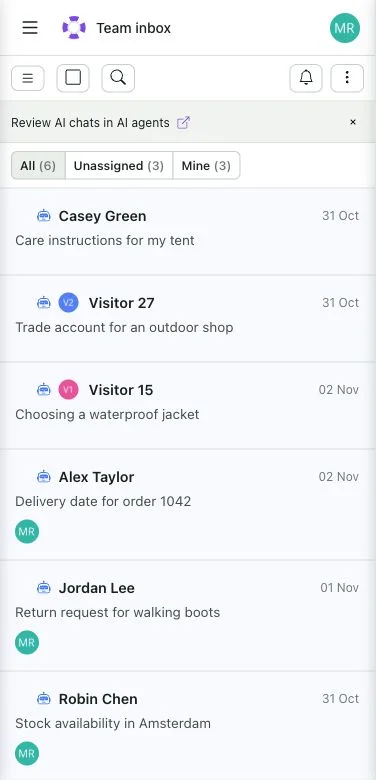
Boei's mobile inbox can now be added to your phone's Home Screen and used like an app. Your conversations stay connected to the same account you use on your computer.
Enable push notifications on a supported device to hear about live chats waiting for help, new replies in chats assigned to you and personal assignments when your settings allow them. Tap a notification to open the conversation. Notifications are enabled separately on each device.
Open Inbox on your phone, add Boei to the Home Screen and use the notification bell to enable alerts. On iPhone and iPad, open Boei from the Home Screen installation before enabling push. Your browser must support notifications and you must allow them.
 Powered by ProductLift